> For the complete documentation index, see [llms.txt](https://support.4cast.world/llms.txt). Markdown versions of documentation pages are available by appending `.md` to page URLs; this page is available as [Markdown](https://support.4cast.world/archive-v12-userguide/1.-getting-started/whats-included.md).
# What's Included
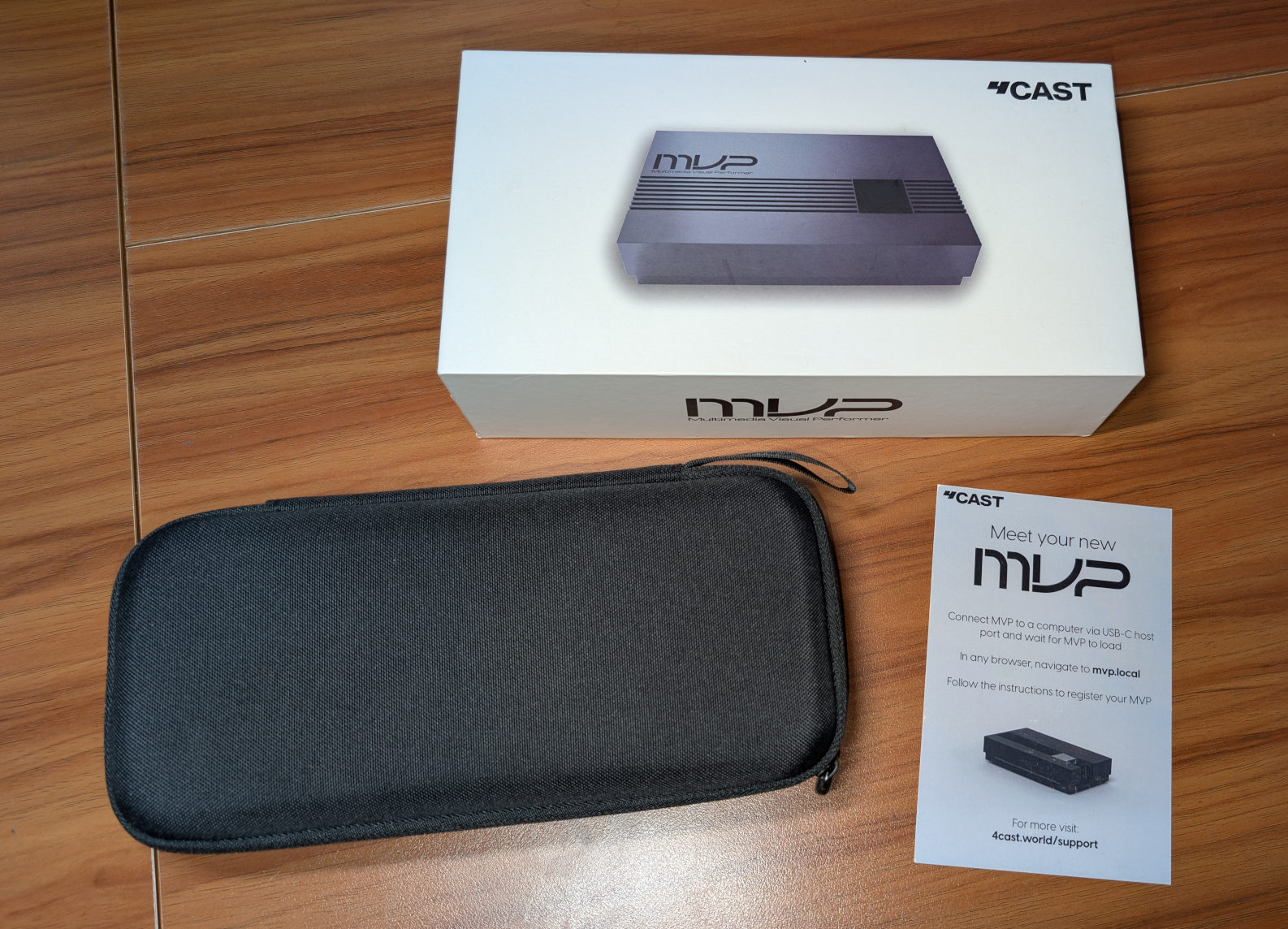
Congratulations on your new MVP! Let's see what's in the box.
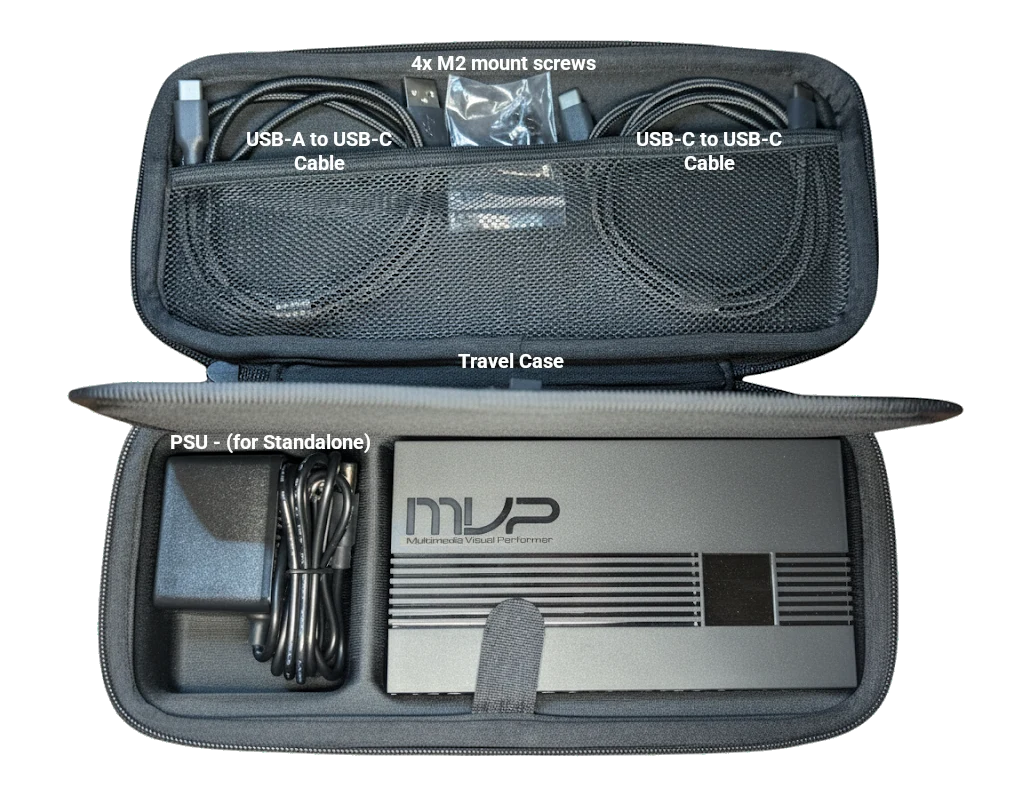
#### In the box
* Travel Case
* Your MVP
* Accessories:
* 1x USB-C to USB-A Cable
* 1x USB-C to USB-C Cable
* 4x M2 Screws (for mounting)
* Power Adapter
#### Device Status Indicators
* Heartbeat LED: Located on the bottom front. Pulses blue to indicate normal operation.
* Status Display: A dedicated OLED screen providing real-time feedback
* MIDI: Shows the last MIDI note received.
* File: Shows the latest triggered video file name. *Note: On first boot, this will display HDMI connection status.*
* ArtNET: Displays the IP address if an Ethernet cable is connected.